Prepare guests
What a guest needs before it moves to Kyvernon VMM, and how to check in the console that it came up: drivers, guest agent, cloud-init.
Kyvernon VMM presents the same virtual hardware to every guest: virtio block disks and virtio network adapters, with BIOS or UEFI firmware as the package states. The import does not install drivers in the guest. Prepare the guest on the source platform, while it still boots there, so that it comes up on the first start in Kyvernon. Have a working backup or a copy of the machine on the source platform, consolidate its snapshots because an import refuses a disk that has a parent disk, and power it off cleanly before the export so that the file systems are consistent.
In the console
- Prepare the guest on the source platform as described under "What the guest needs" below, then export it and import it, see Import an OVA or OVF package.
When the import has ended, select the new virtual machine in the inventory. Before the first start, open the Configure tab and the area Options. Firmware and Secure Boot show what the package stated. A guest on an MBR disk without an EFI system partition needs BIOS, and a guest with an EFI system partition needs UEFI.
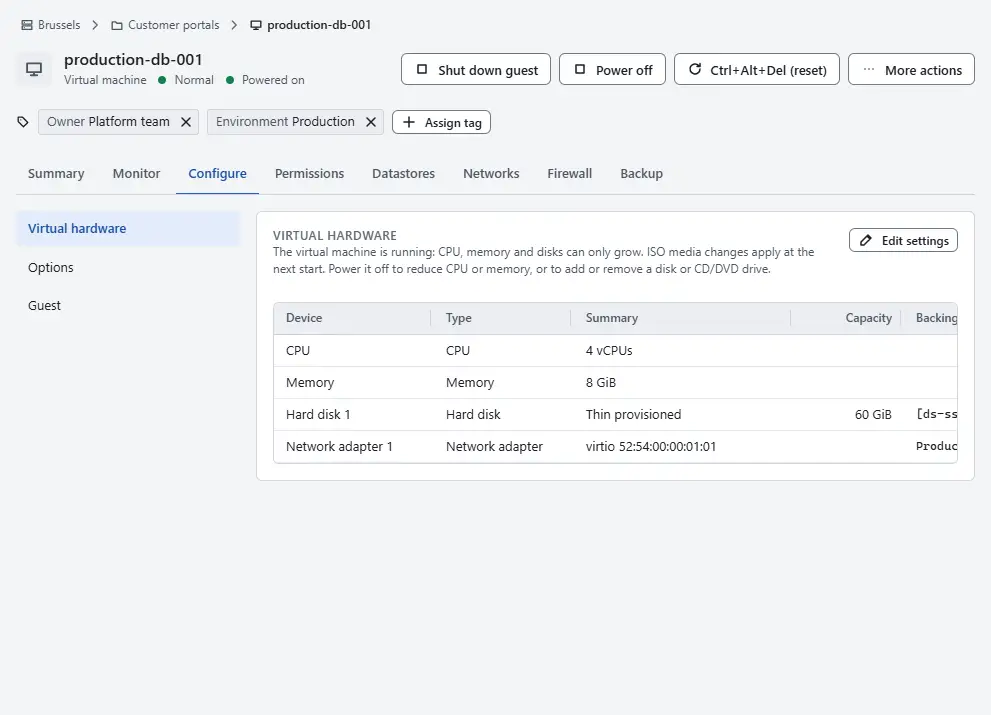
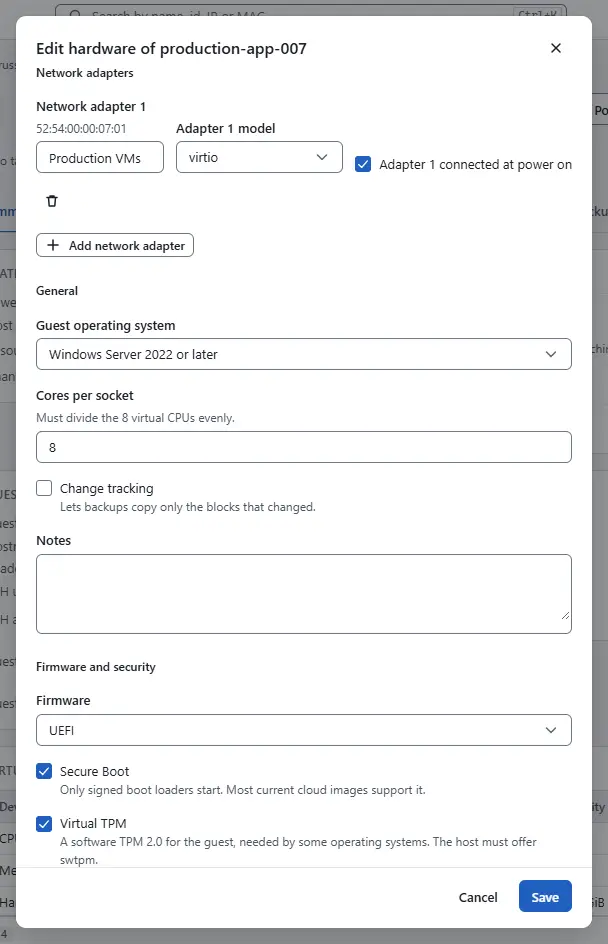
When the firmware does not match the guest, select Edit settings, choose the Firmware under Firmware and security and select Save. This works while the machine is powered off. With BIOS, turn Secure Boot and Virtual TPM off.
Select Power on, then Open console under More actions. The guest should reach its login prompt.
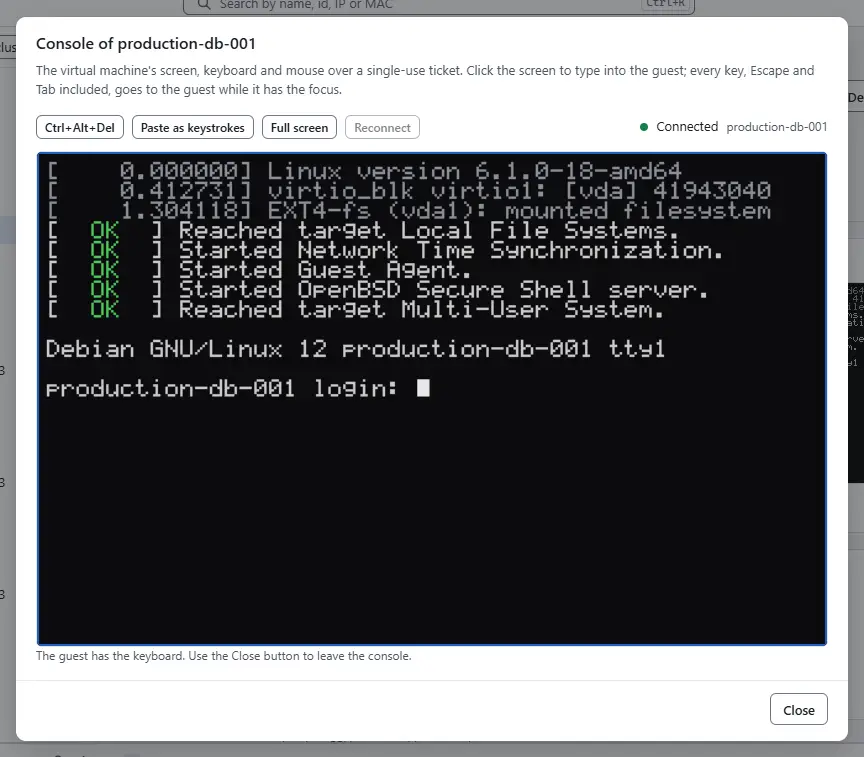
- A guest that stops at boot usually lacks the virtio storage driver. Power the machine off and fix the guest on the source platform, or from a rescue environment, then export again.
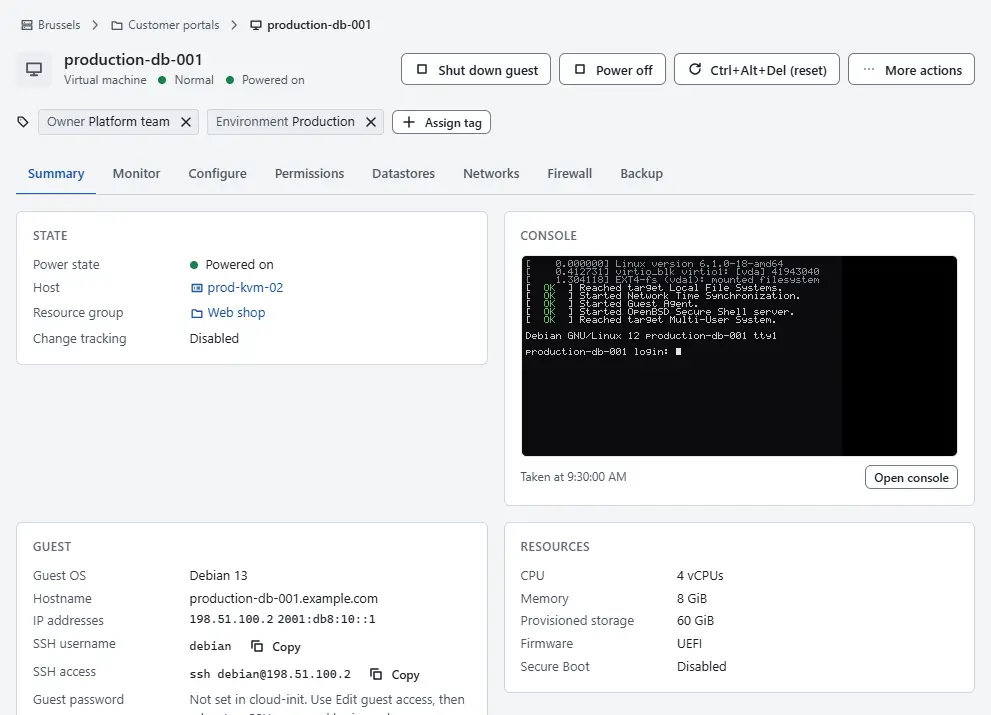
When the guest runs, open the Summary tab and read the card Guest. Guest agent shows Running once the guest agent has started and the IP addresses lists the addresses of the guest. When the agent shows Not installed or Not running, install and enable it as described below.


What the guest needs
| Source | In Kyvernon | What the guest needs |
|---|---|---|
| BIOS or UEFI firmware | The same firmware, as the package states it. A package without a firmware statement gets UEFI. | Nothing, when the package states the firmware the guest was installed with. Secure Boot and a virtual TPM need UEFI. |
| SCSI, SATA, NVMe or IDE disk controller | One virtio block device per disk | A virtio block driver in the early boot environment (the initial RAM disk on Linux). The device name changes, for example from sda to vda: mount by UUID or label. |
Network adapter vmxnet3, e1000e or e1000 | A virtio network adapter | A virtio network driver. The name of the network interface in the guest can change with the adapter type; configure addresses by MAC address or adjust them after the first start. |
| CD-ROM drive | A SATA CD-ROM drive | Nothing |
| Floppy drive, USB or PCI passthrough | Not available | Remove the device from the virtual machine before the export. |
On a Linux guest, check before the move that the initial RAM disk contains the virtio block and PCI drivers, and rebuild it when it does not. On a Windows guest, install the virtio storage and network drivers while the machine still boots on the source platform. Without the storage driver the guest stops at boot.
The guest agent reports the addresses and the state of the guest to the console, shuts the guest down cleanly, runs guest operations and freezes the file systems for a consistent backup. Install the standard qemu-guest-agent package of the guest operating system and enable it. Kyvernon VMM connects it over a virtio serial channel; the virtual machine needs no further setting, because the guest agent is on by default.
Linux guests that use cloud-init read their data from the guestinfo.userdata, guestinfo.metadata and guestinfo.vendordata settings of the virtual machine, each with an optional .encoding of base64 or gzip+base64. Kyvernon passes them to the guest as a read-only NoCloud disk. The VMware datasource of cloud-init reads the same keys on the source platform, so existing data keeps working, and the import carries over the settings of the package that start with guestinfo..
The guest tools of the source platform have no function in Kyvernon. Remove them when the guest operating system allows it, after the first successful start. Kyvernon does not remove them.
Result
The guest boots from a virtio disk with the firmware it was installed with, has a virtio network adapter and runs the guest agent, and the card Guest shows it.
Related
Version 0.1. Last changed: 2026-11-14